Steps
-
Cannot sign in? Check your email or phone and password. Click Forgot password? on the sign-in page and follow the link we email you.
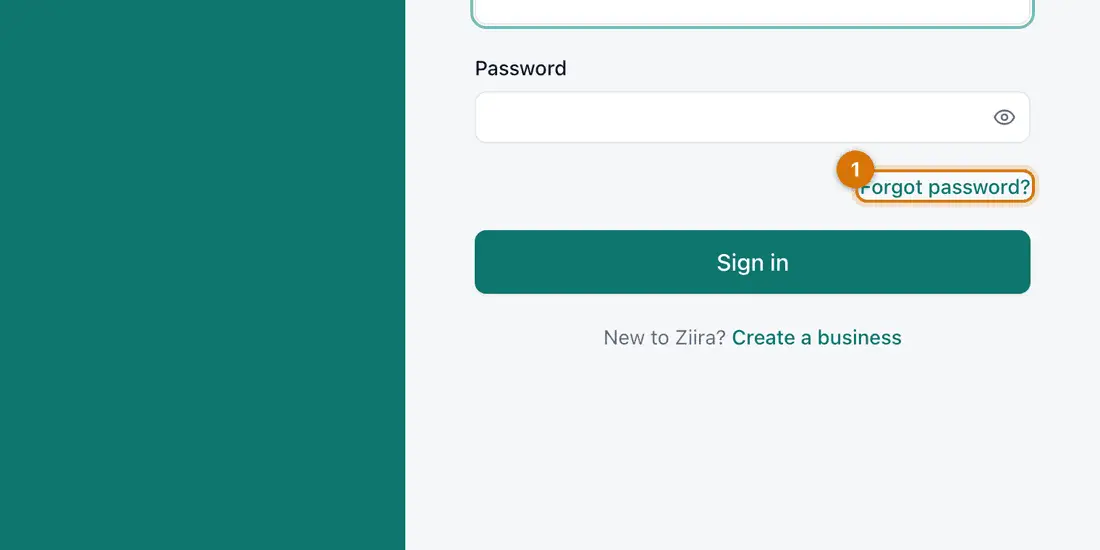
- Forgot password?
You should see: A one-use link to choose a new password.
-
Told to wait? You typed a wrong password several times. Wait a few minutes and try again, or click Forgot password?.
-
A menu item is missing? Click Add-ons to check that part is on. If it is, ask the owner to check your role under Settings > Users.
-
A button is greyed out? A required box is empty, or you are not allowed. Read the message at the top of the form.
-
A product is not at the till? Open it under Stock > Products. Check it is Active, has a current price on its Prices tab and has the Stock type.
-
A number looks wrong? Look at Stock > Stock movements for stock, Sell > Sales for sales, or Money > Accounting for the books.
-
No connection? At the till, keep selling: see Sell offline. Other screens need the internet.
-
Still stuck? Note the screen, what you clicked and the message, then see Get help from the Ziira team.

If something goes wrong
The two-step code is rejected
Check your phone's clock is right and use the newest code, or use a backup code.
I changed something by mistake
Recorded sales, stock and entries are not edited. Correct them with a return, an adjustment or a reversal, and give the reason.
I see too much or too little
Your role decides what you see. Ask the owner to change it.
Still stuck? See Fix common problems.