Before you start
- Open the till once with internet on this device, so it saves your products and prices.
Steps
-
Keep selling on the till when the connection drops. Look at the chip in the top bar.
You should see: It changes from Online to Offline.
-
Sell as usual with Cash, Card or Mobile money (type the code). Click Save sale instead of Complete sale.
You should see: Each sale is saved on the device with a temporary receipt number starting with OFFLINE.
-
Do not try these offline: opening or closing the till, On account sales, returns, and phone payment requests. Ziira refuses them and says why.
-
When the connection returns, leave the till page open.
You should see: The chip shows Sending, then the waiting number falls to zero. Each sale is sent once only.
-
If the chip says need attention, click it. Read the reason, click Copy details if you need them, and ask a manager.
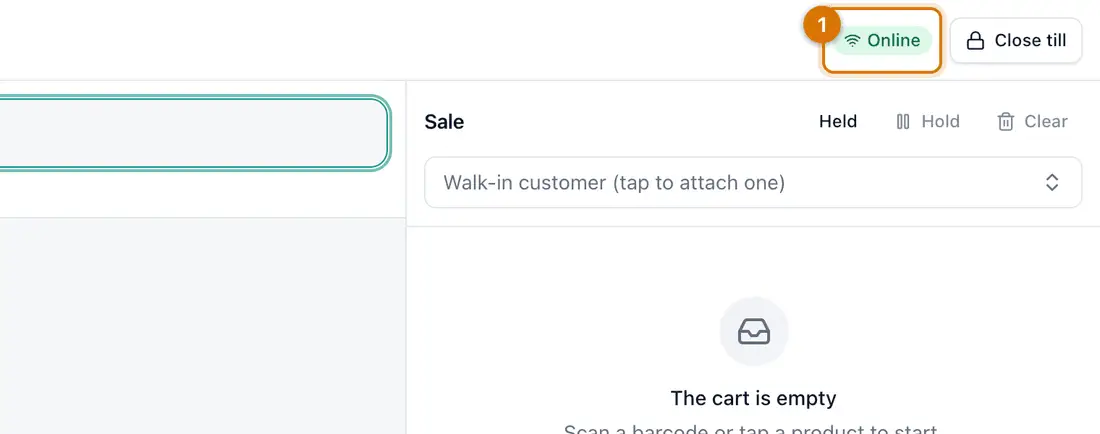
- The sync chip and queue

If something goes wrong
A sale shows as needing attention
The server refused it, for example because a product was removed. A manager reads the reason and records the sale again if it is right.
I closed the browser with sales waiting
They stay on the device. Open the till page again and sign in. They are sent while the page is open.
Prices changed while I was offline
The customer pays the price on the receipt. Ziira adds a warning to the sale.
Still stuck? See Fix common problems.