A suggestion does nothing until a person approves it.
Before you start
- How much Ziira does for you is set to Prepare or Act for me by an Owner.
Steps
-
Click Intelligence > Suggestions, then the Waiting for you tab.
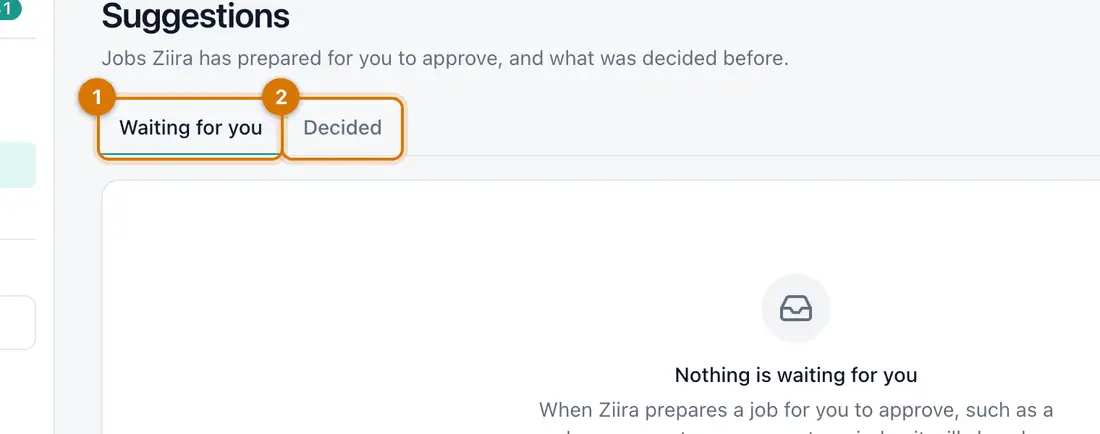
- Waiting for you
- Decided
You should see: Each suggestion says what it will do.
-
Open one. Change what you are allowed to change and add a Note (optional).
-
Click Approve and do it, or click Turn down and give a Reason.
You should see: A message says Done. or Suggestion turned down.
-
Open the Decided tab to see what was decided before, and by whom.

If something goes wrong
There is no Suggestions page
It shows only when How much Ziira does for you is Prepare or Act for me, or when a suggestion exists.
I approved by mistake
Open Decided to see what was done, and undo it the normal way, for example by correcting the price.
Still stuck? See Fix common problems.